Get started
Find your way around the workbench
Use the activity bar, workspace sidebar, menus, search, and contextual details in the compact desktop layout.
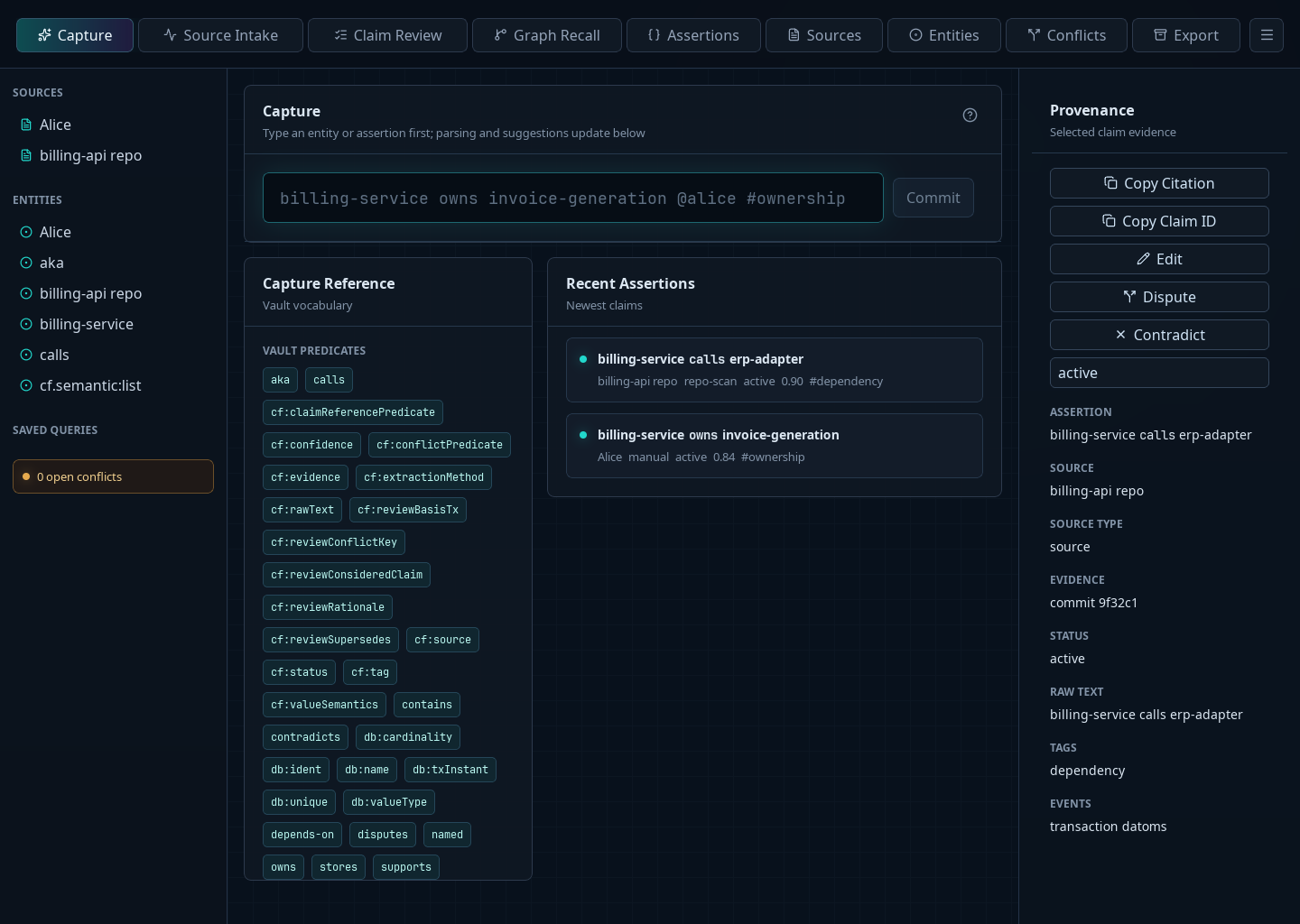
Claimframe opens inside one workbench shell. Before a vault is open, the start screen occupies its content area. After you open a vault, the narrow activity bar on the left selects the main workspace. Hover over an icon to see its name; the active workspace is marked in the bar.
Move between workspaces
The activity bar opens Capture, Entities, Query, Graph, Document Intake, Transcript Intake, Conflicts, and Predicates. Vaults and Settings sit at the foot of the bar. Sources, Manage Queries, and Manage Vocabularies are available from Tools in the menu bar.
The sidebar changes with the workspace. In Capture, choose an entity to insert its name into the capture field. In Query, the sidebar shows saved queries and entities; choosing a saved query runs it. Document Intake, Transcript Intake, and Conflicts put their workflow or review queues there. Sidebar sections expand and collapse in a fixed order.
Choose the active activity-bar icon again, or View → Hide Sidebar, to give the main task more room. Choose it again or View → Show Sidebar to restore the sidebar. Drag the divider to resize it; with the divider focused, use the left and right arrow keys. Double-click the divider to restore its default width.
Find content and inspect details
The search field in the menu bar finds content in the current vault. Select a result to open the relevant workspace. For a structured assertion search, open Query or Graph and enter a query there.
Select an assertion to show its provenance and review controls on the right. Use View → Hide Details or Show Details when an assertion is selected. Graph, transcript, and conflict views also show task-specific details inside their main area.
Use File for vault actions and Tools for sources, saved queries, predicates, vocabularies, and application settings. View also contains Zoom In, Zoom Out, and Reset Zoom. These commands change the interface scale, including the sidebar and main content.